Bring lessons, instruments and support together. Turn compatible school devices into instruments, follow clear teaching guidance and help pupils listen, play and create.
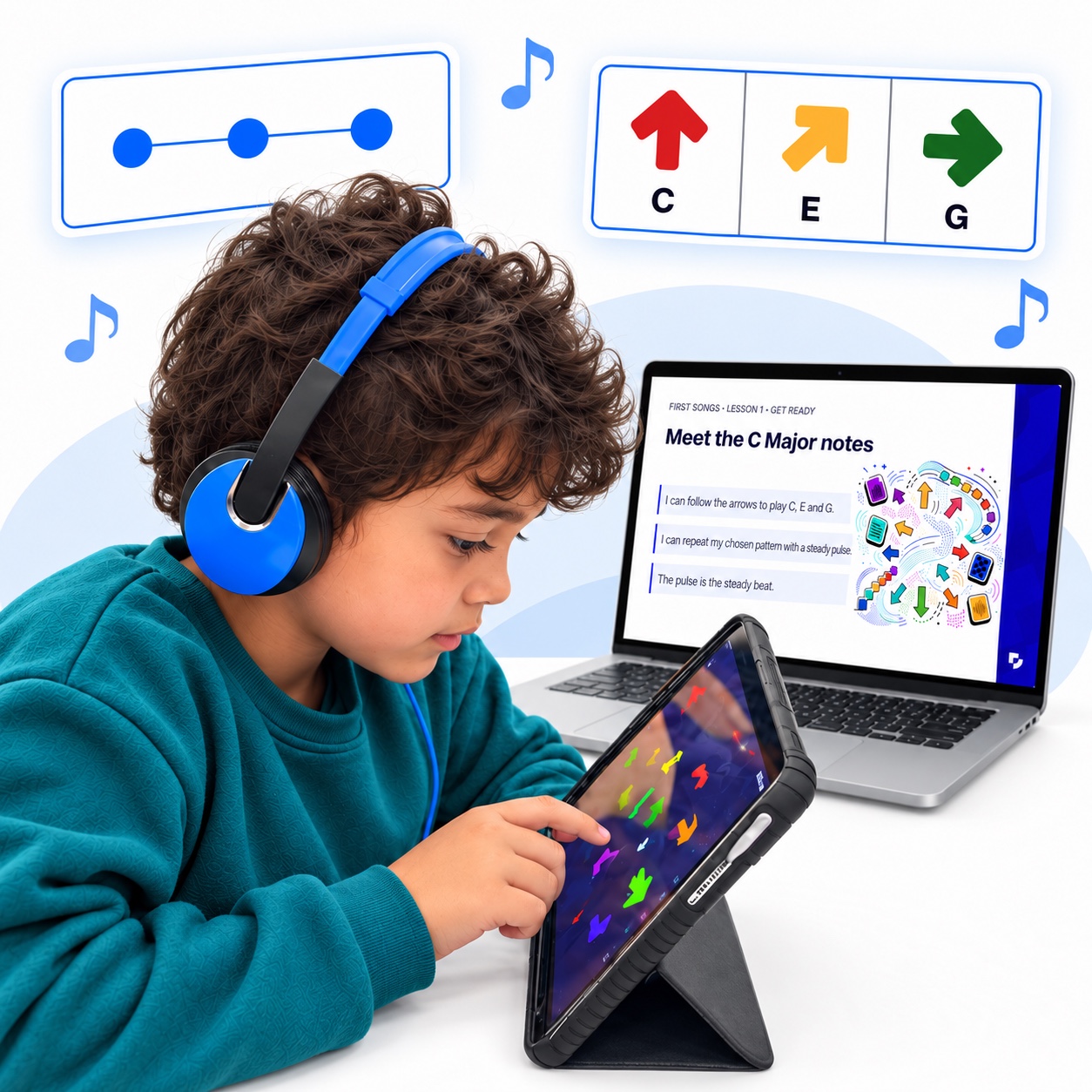
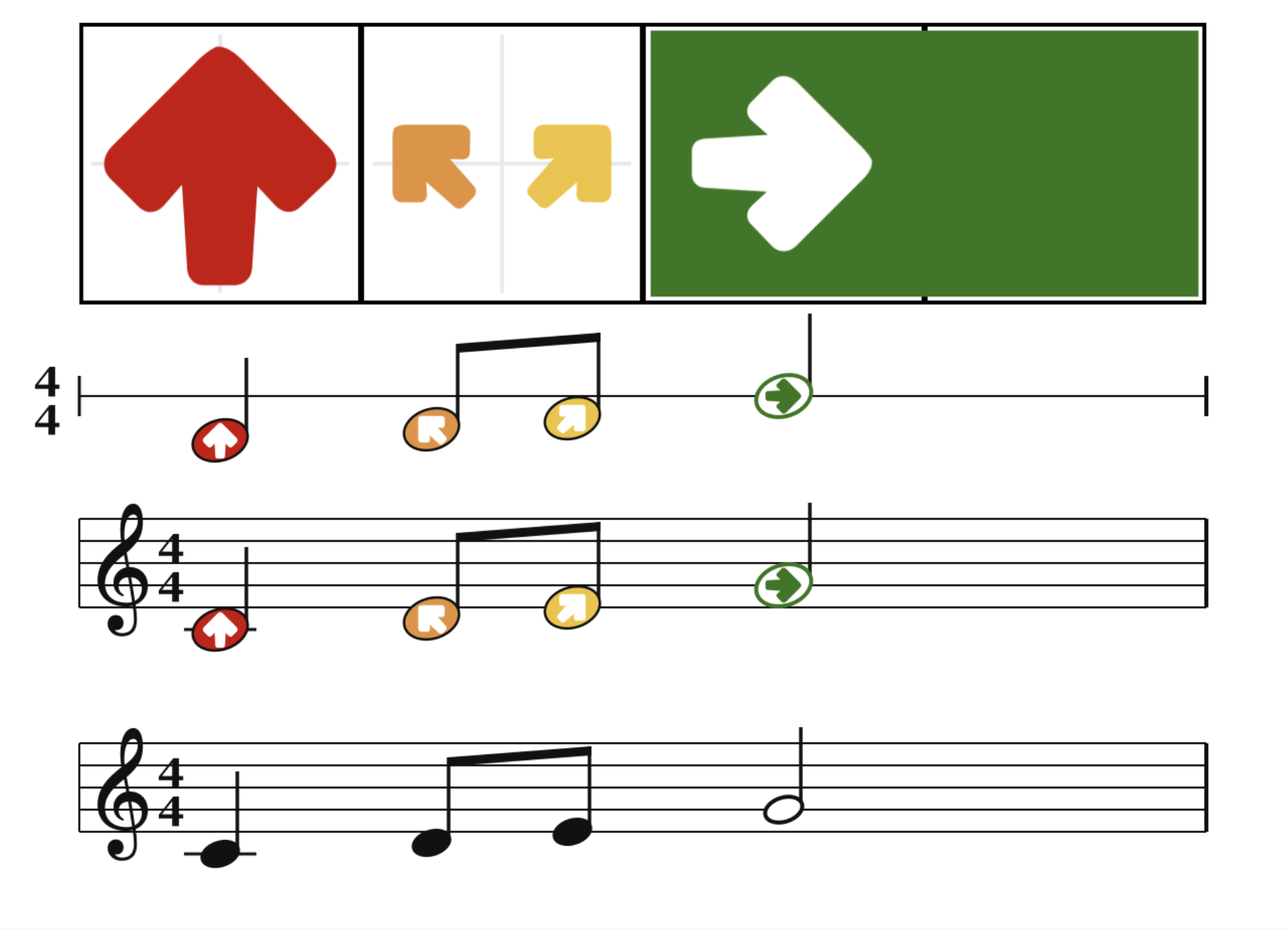
The teaching portal brings lessons and guidance together. Turn compatible devices into instruments with Swipe and follow Arrownotes to read, play and write musical patterns. Build from a short activity towards a shared performance.
Mainstream CurriculumSEN CurriculumLunch and after schoolAssembly Packs
Find your starting point
Make room for music.
01
A few minutes of music
Start with a short activity, planned from start to finish. Copy a rhythm or short pattern, or play together.
02
Lunchtime and After School
Give students a simple way to play together. They can play songs they know or create new ones.
03
Creative lessons
Build pulse, pitch and ensemble skills through listening, playing and composing, with a structured next step.
DIFFERENT WAYS TO PLAY
Different ways to play. One shared experience.
Pupils can tap or swipe on compatible devices, follow Arrownotes and play their part in the same activity. CMPSR offers an additional physical way to control sound. Choose the instruments and level of challenge that suit your learners.
Use demonstrations and teacher guidance to prepare. Supported onboarding helps your team check the device setup and get ready for the first class activity.
03
Make music together
Listen for what pupils can do, adapt the challenge and follow the next lesson. Build from a first pattern into composing and performing together.
A school story
Making music together
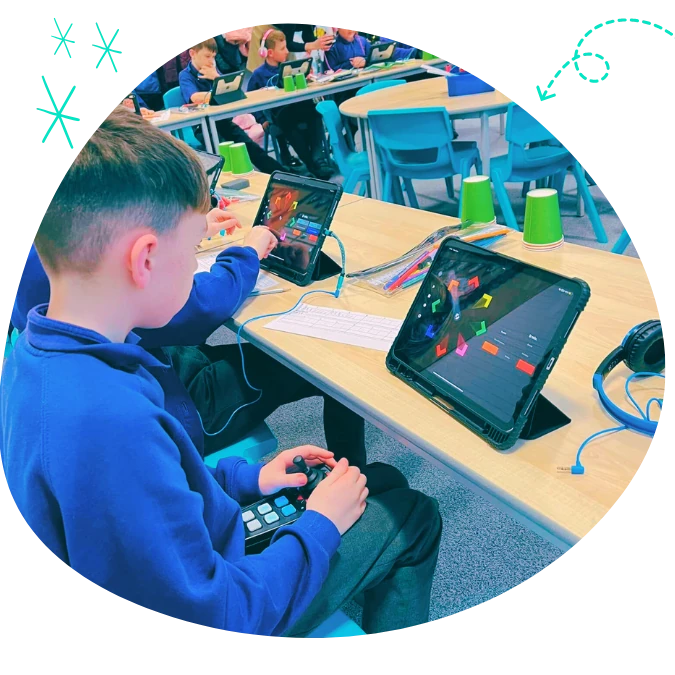
North Worcester Primary Academy explored whole-class music-making with CMPSR, Swipe and Arrownotes. Year 5 students played accessible instruments to learn music they love and compose their own.
Arrownotes gives pupils a visual way into musical patterns.
The whole-school offer
Six months. Your whole school.
Give your teachers six months of access to the teaching platform and curriculum resources, with supported onboarding and practical guidance. Start with a class and build from there. Explore the offer for current content, device requirements and full terms.
Try the free activity to experience Swipe and Arrownotes together. Share your name and email to get started. If you would like guidance for your setting, ask us about a demo.