Skip to content

SEND

More ways to take part
in making music.

Choose a sound, answer a rhythm or lead a short phrase. Begin with each learner’s interests and ways of communicating, then build a shared musical activity at a pace that suits them.

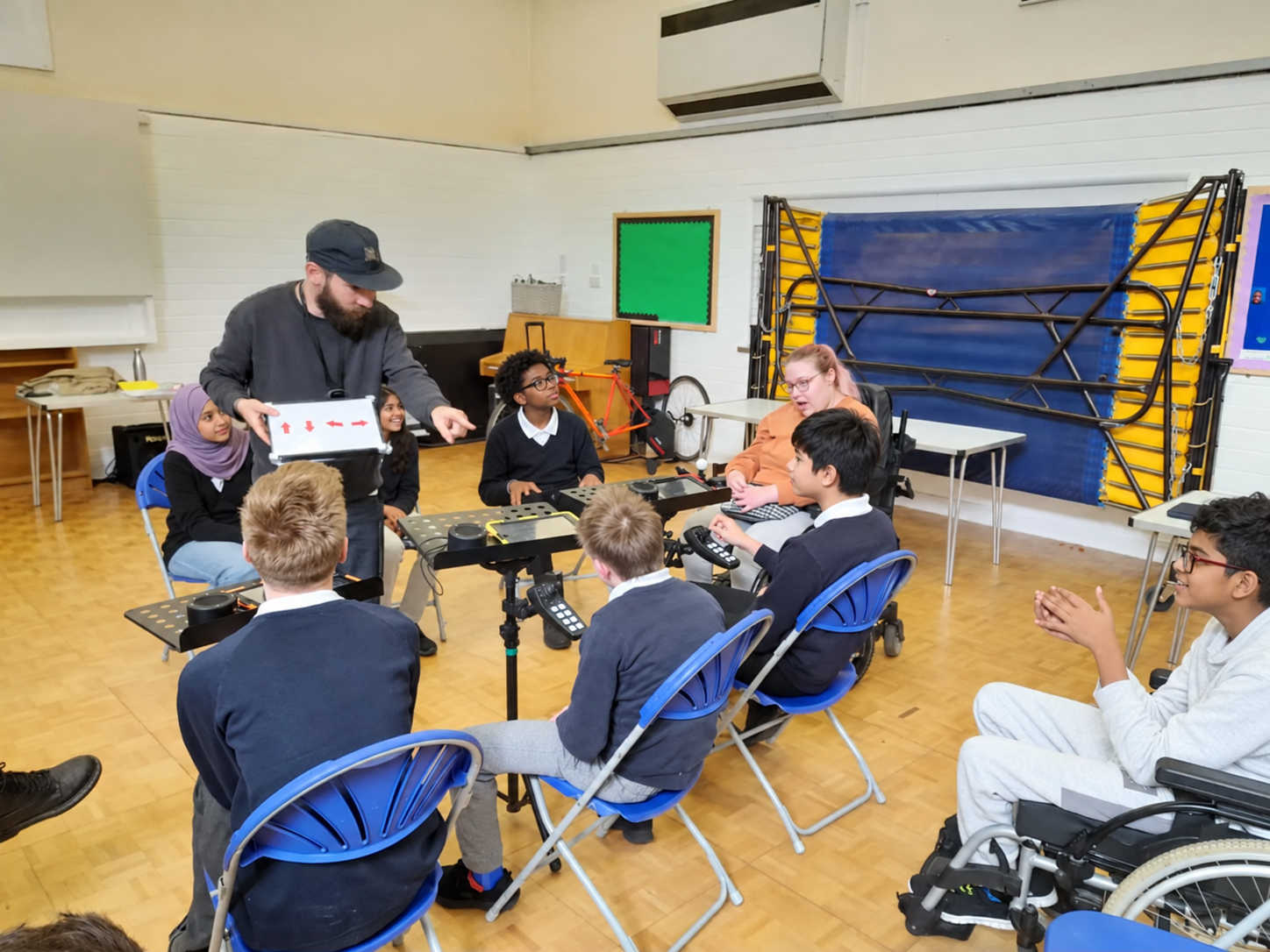
Learners using CMPSR controllers while a facilitator demonstrates an Arrownotes rhythm.

Participation first

Shape the activity around the learner.

01

Explore a response

Offer two sounds and time to choose. Notice how the learner signals a preference.

02

Build a shared pattern

Play a short rhythm, pause for a reply, then take turns leading.

03

Make space for expression

Return to a familiar phrase. Invite a change in rhythm, pitch or length as skills develop.

Different ways to play

Touch. Move.
Make a musical choice.

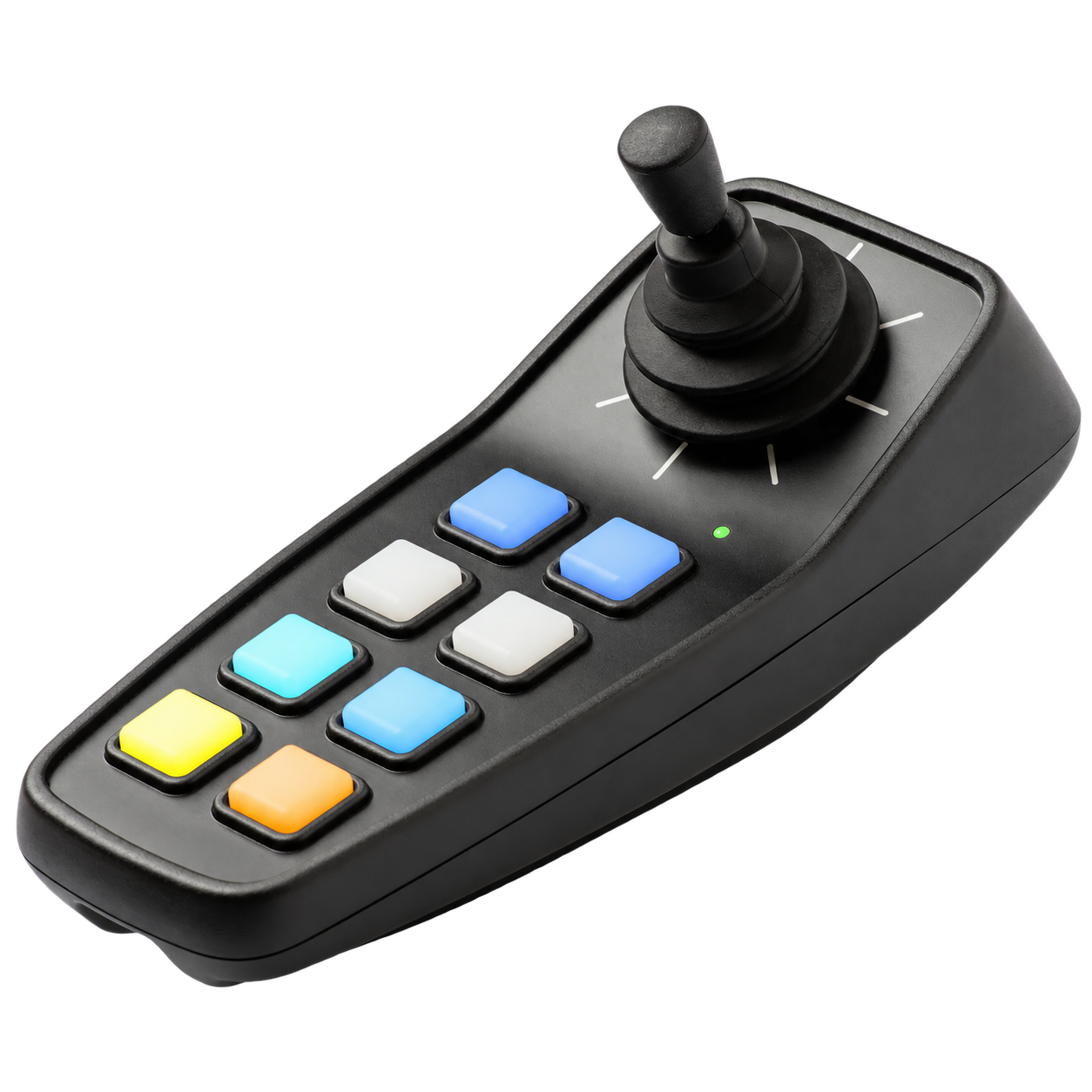
Tap or swipe on a compatible device, or use CMPSR’s physical joystick. Choose the control that suits the player, with room to develop musical expression and technique.

CMPSR joystick music controller with eight coloured buttons.

Plan with your setting

What matters before the first session.

Access needs

Share the movements and communication methods learners use, including any access equipment.

Devices and connections

We’ll check proposed access methods, software and connections against your equipment.

Pacing and support

Allow time to respond and repeat. Plan support with staff who know the learners.

Teaching content

Explore activities such as Discover Your Sound, then choose a starting point and next musical step.

Let’s make music

Find a starting point for your learners.

Tell us about your learners and equipment so we can explore a suitable starting point.