Swipe
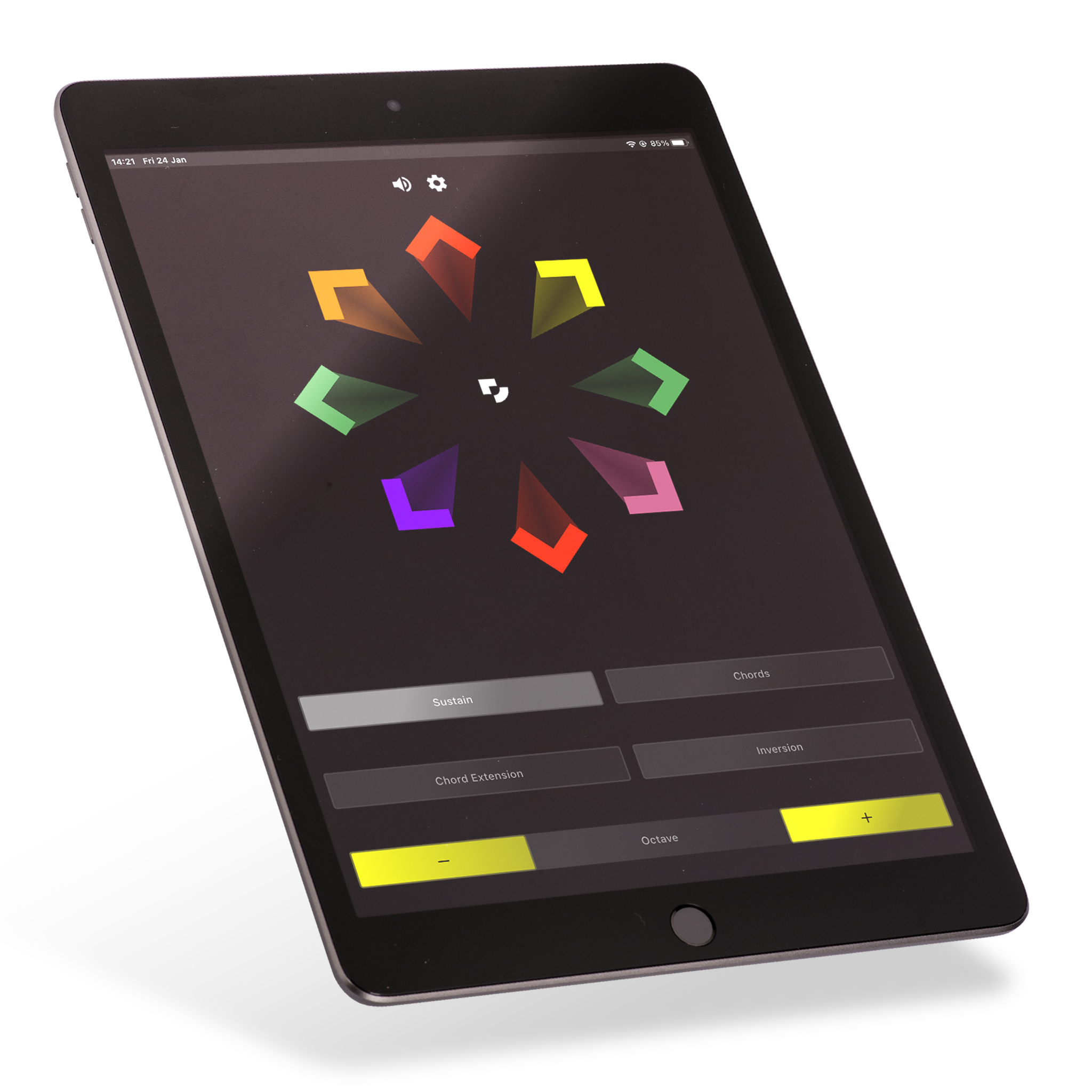
Swipe combines a simple way to start with the expression of a traditional instrument. Tap or swipe to play notes and chords, then develop your musical skills and playing techniques through practice.
Explore. Create. Play.
01
Explore a chosen scale and hear how single notes and chords sound.
02
Repeat a pattern, change its rhythm or try it higher or lower.
03
Hold a steady part while a partner adds a melody. Listen for how they fit.
Put Swipe into practice
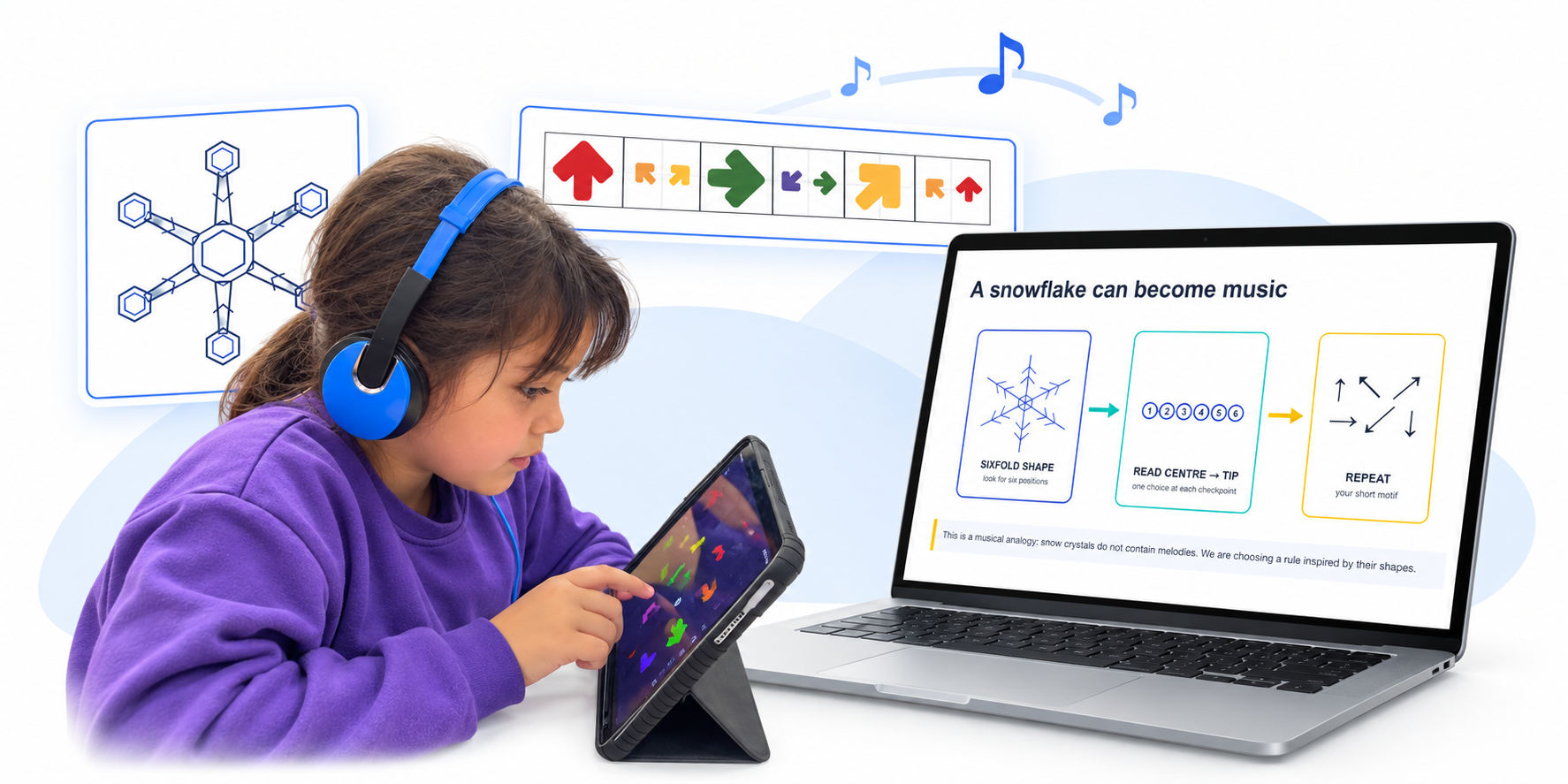
Use Swipe with an Arrownotes activity to copy, adapt or compose a pattern. Teaching guidance gives the music a clear focus.
Using Swipe
Start with the free activity. Share your name and email to access the guidance and try Swipe.
Follow your school’s invitation and use the Digit portal.
Swipe has iOS, Android and web versions. Ask us to check your device models, software and classroom audio before planning a session.
Let’s make music
Try Swipe with a short, guided activity. Share your name and email to get started.