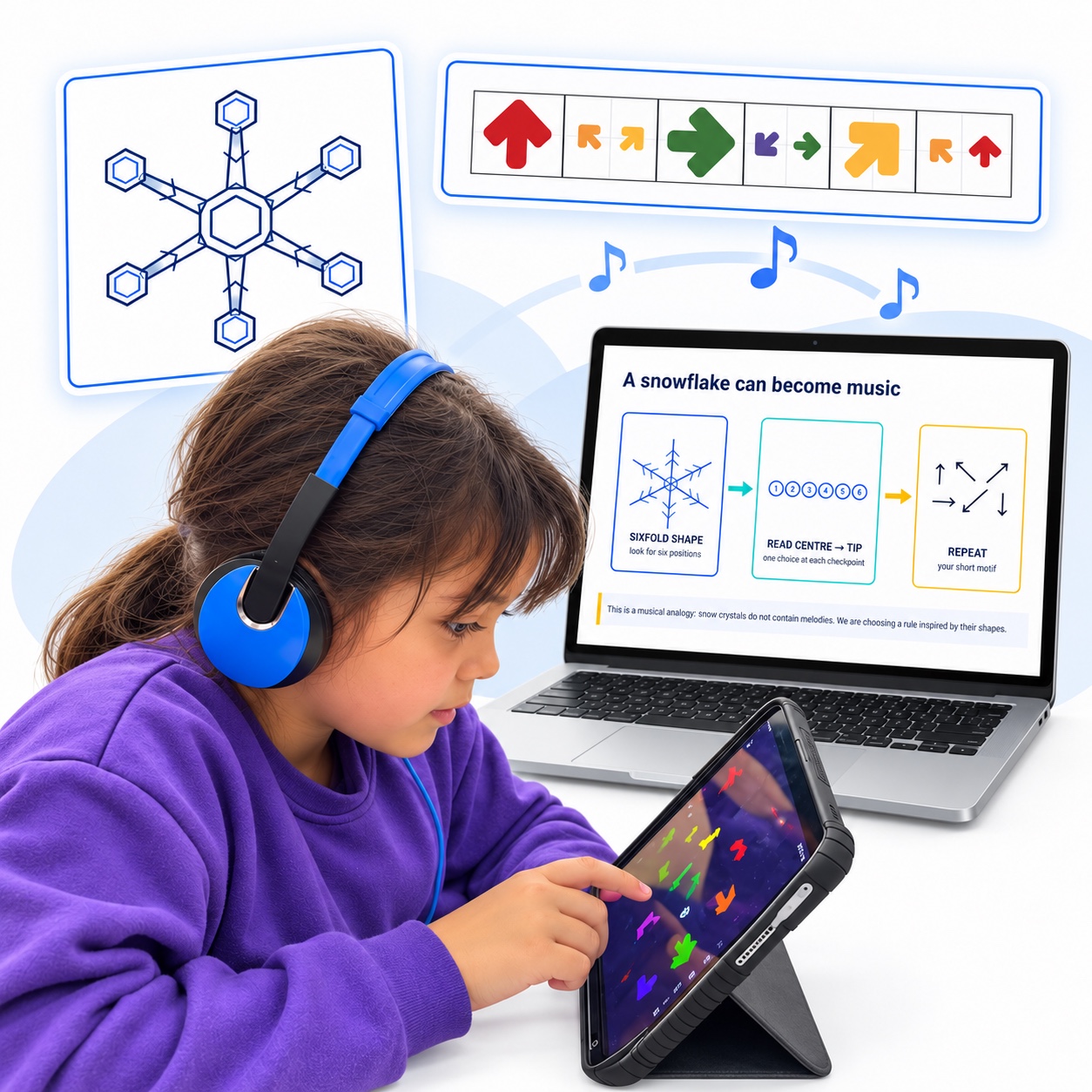
Choose a lesson or activity in the teaching portal. Check the learning focus and suggested duration, then read the teacher guidance. Pick parts that suit your pupils and have the first activity ready before the session.
02
Prepare the setup
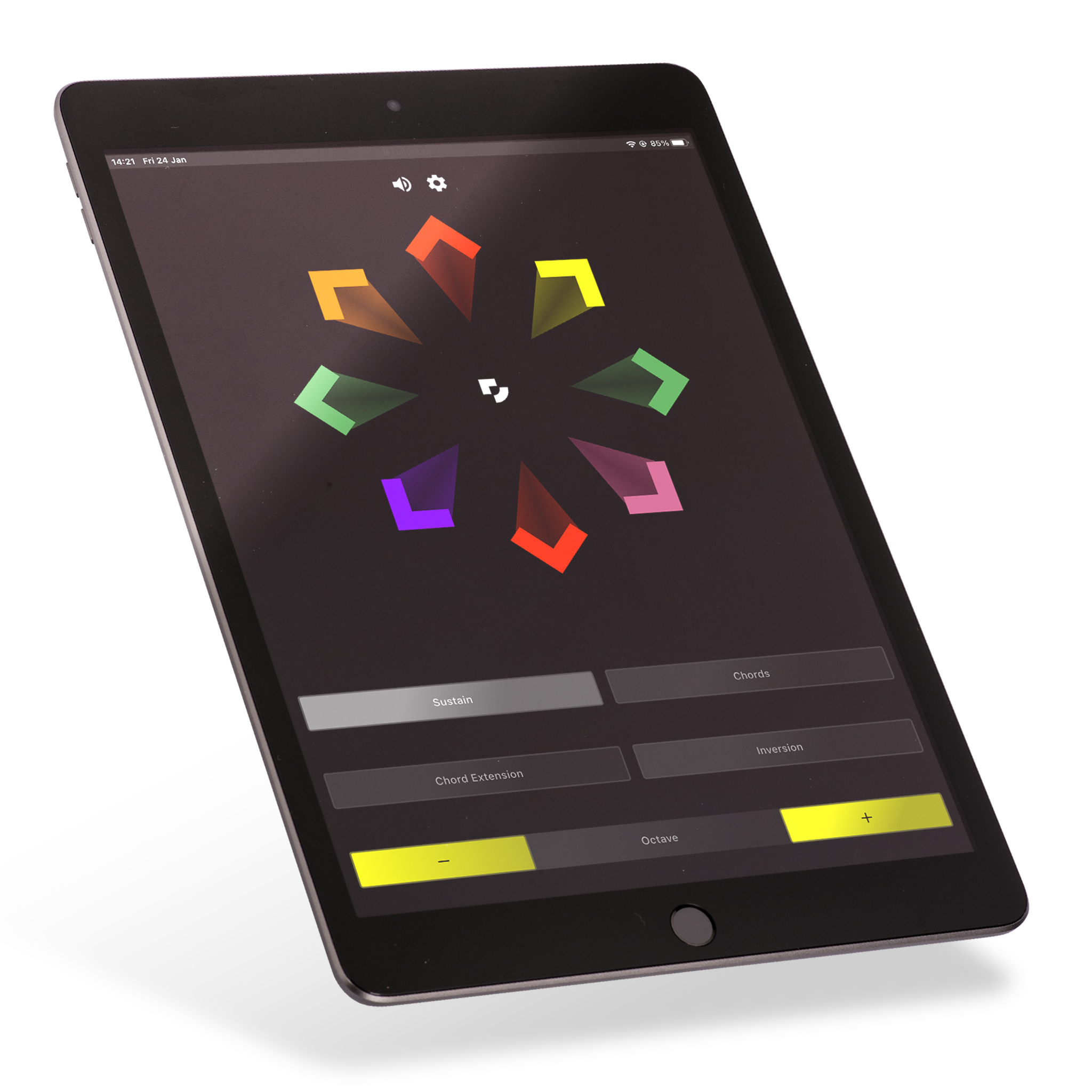
Open Swipe on compatible devices and select the sound for your activity. Check the volume and test your headphones or classroom speakers. Play a few notes yourself so you can demonstrate the first movement confidently.
03
Model, play, repeat
Show a short Arrownotes pattern and play it once for pupils to hear. Copy it together with a steady pulse, then try it in pairs. Change one part of the pattern, listen to the difference and repeat.
FOLLOW THE PATTERN
See it. Play it. Make it your own.
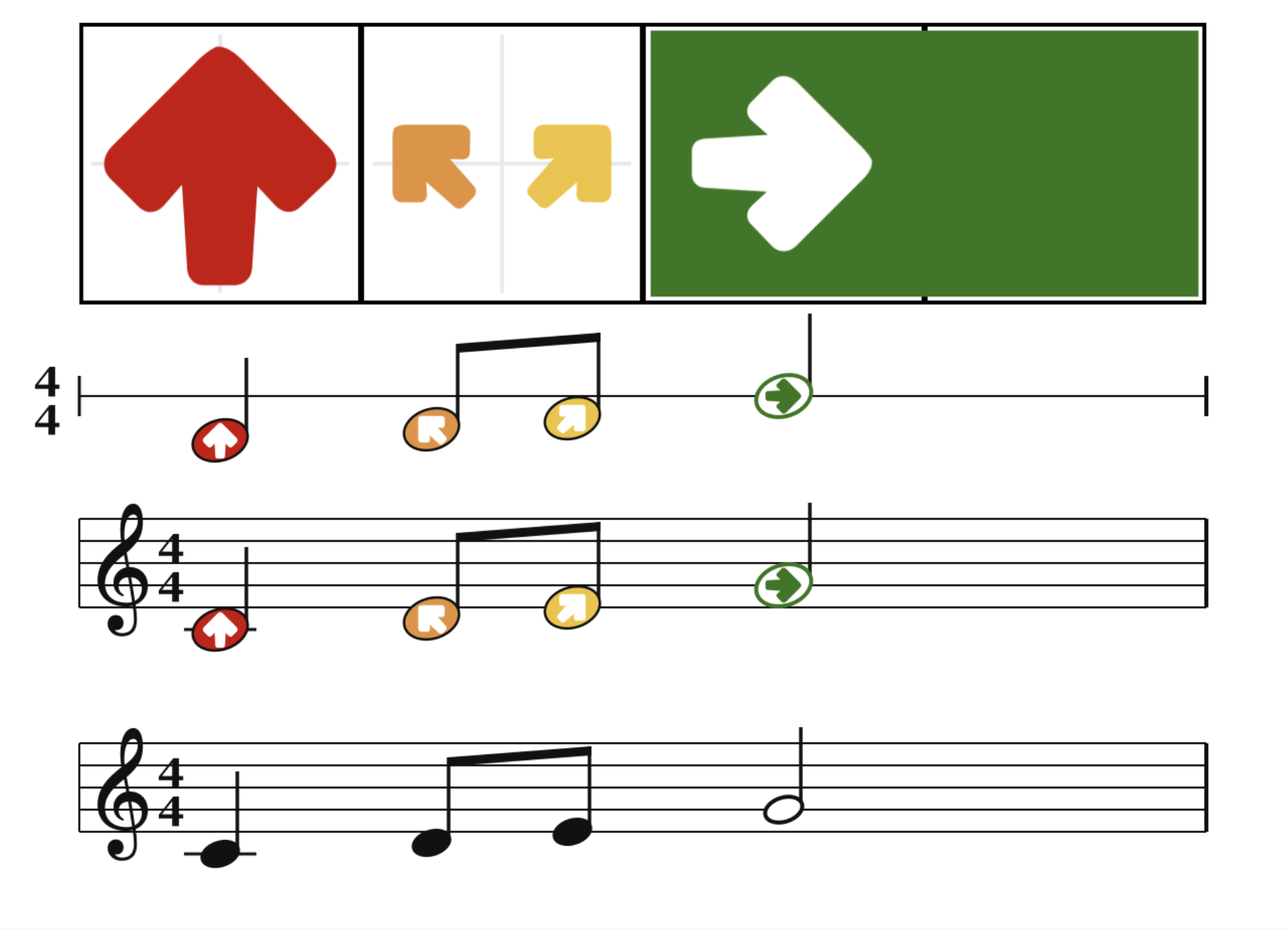
Arrownotes gives pupils a visual way to follow musical patterns. Use the activity’s notation to model a phrase, copy it together and explore a change.
One pattern shown in Arrownotes and staff notation.
A choice of instruments
Find the right way to play.
01
Swipe
Play through touch and movement on a compatible device.

 Choose an activity
 Prepare the setup
 Model, play, repeat