
Digit & Charanga
More ways into
music-making.
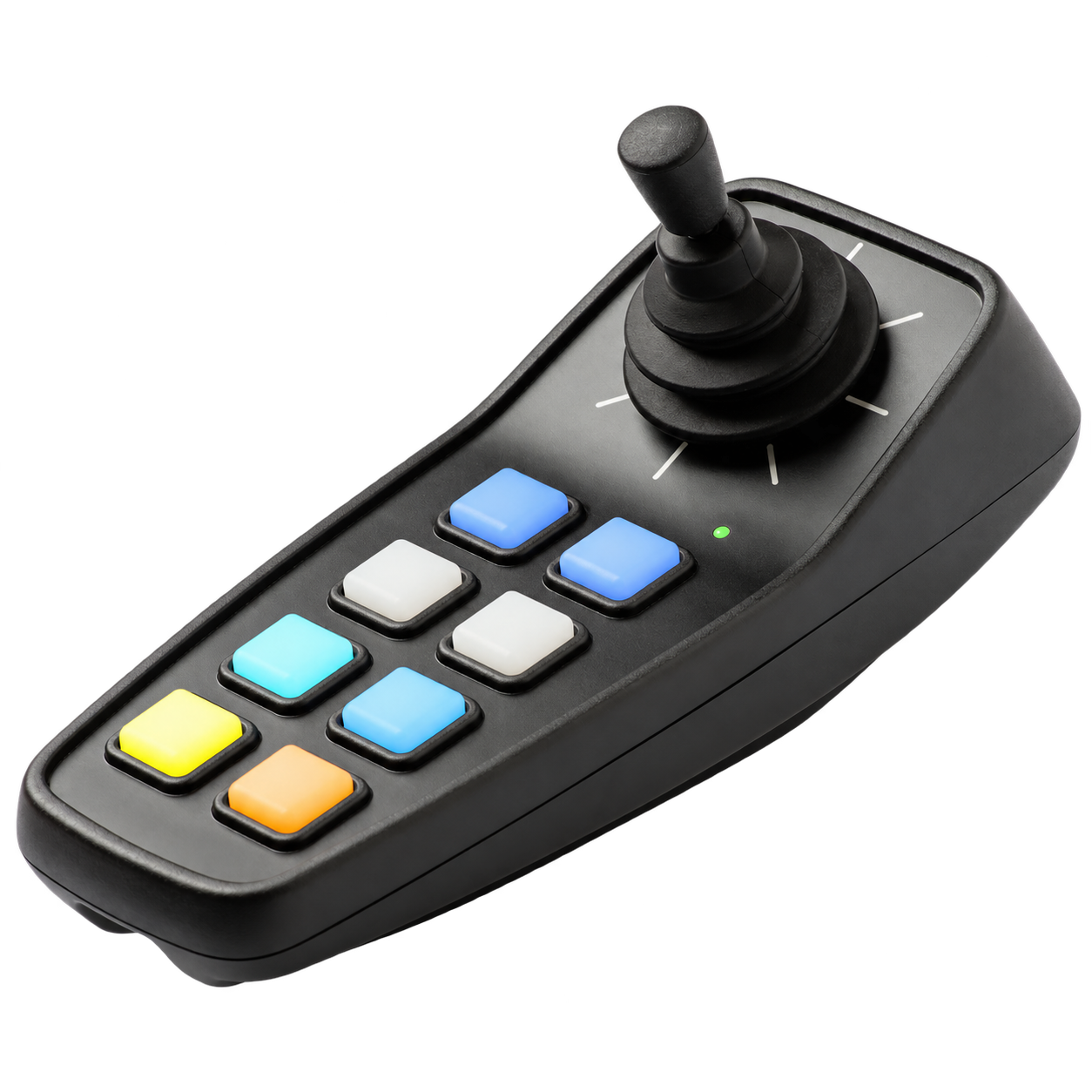
Bring a joystick instrument into your classroom music. Explore how CMPSR could support playing, recording and composing alongside your Charanga activities.
A practical starting point
Play a phrase. Record an idea.
Choose the music.
Start with a short rhythmic or melodic part. Decide which notes and sounds fit the activity and your learner’s way of playing.
Check the connection.
CMPSR is a MIDI controller. Tell us which device, browser and software you use so we can help check the setup before your lesson.
Build the musical idea.
Explore pulse, pitch and phrasing. Try repeating a pattern, changing its rhythm or recording a short part to develop together.
Using YuStudio?
Charanga’s YuStudio is a browser-based music studio with support for USB MIDI controllers. It offers tools for recording, arranging and developing musical ideas.
Access and setup depend on your Charanga account and equipment. We can help you plan a CMPSR setup for your particular activity.
Explore YuStudio on Charanga’s website →Already using Swipe?
Find downloads and setup guidance, or talk to us about how you want to use Swipe with your existing classroom tools.
Open setup and downloads →Start with your learners.
Tell us about your activity, the devices you already have and the people taking part.
Plan your music-making →